
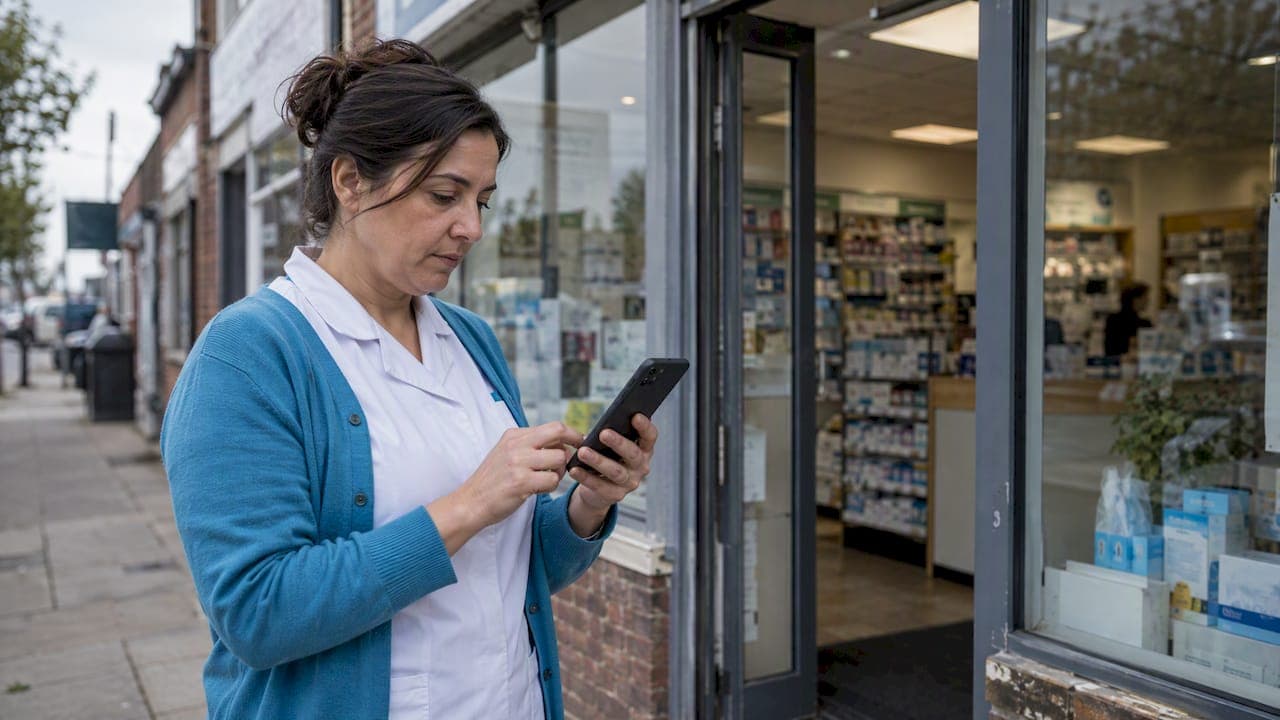
Your pharmacy ranks on Google Maps based on three things: how well your profile matches the search (relevance), how close you are to the person searching (distance), and how well known and trusted you look (prominence). You can't buy your way up. You can fix what you control: a complete, accurate profile, the right categories, steady reviews, and a website that backs it all up.
Most independents we talk to are bleeding calls and walk-ins to the chain down the road. Not because the chain is better. Because its listing is tidy and yours hasn't been touched since the day someone verified it. Let's fix that.
TL;DR
- Google ranks local results on relevance, distance and prominence. Paid ads don't change your Maps position.
- Set "Pharmacy" as your primary category. Add secondary ones only for services you truly offer.
- Your name, address, phone and hours must match your real-world signage, everywhere.
- Ask every patient for reviews the legitimate way, never with rewards. Reply to every review without confirming anyone is a patient.
- Check your ranking from several spots around your store, not just from your own counter.
Table of Contents
- How Google decides who shows up in the 3-pack
- Step 1: Make sure you're eligible and verified
- Step 2: Nail your categories
- Step 3: Get your name, address, phone and hours exactly right
- Step 4: Build reviews the right way
- Step 5: Reply to reviews without breaking HIPAA
- Step 6: Back it up with your website
- Step 7: Keep your profile alive
- How to check where you really rank
- Our perspective: what independents get wrong
- Where we can help
- Common mistakes that hold pharmacies back
- A 30-day plan
- FAQ
- Sources
How Google decides who shows up in the 3-pack
Google's own help documentation lists the three local ranking factors in plain terms. Relevance, distance and prominence are combined to find the best match for each search. Here is what each means for a pharmacy.

Relevance. Does your profile look like a match for "pharmacy near me," "compounding pharmacy," or "flu shot near me"? Complete information, the right categories and services help Google understand what you do.
Distance. How far you are from the searcher, or from the location named in the query. You can't move your building. But you can make sure Google has your exact location and that your listing is the one it trusts.
Prominence. How well known you are. Google says this draws on information from across the web, such as links, articles and directories, and that review count and score factor in too. More positive reviews can improve your local ranking.
That's the whole game. Everything below is a way to feed one of those three.
What you can't control (and shouldn't pay for)
Someone will pitch you a guaranteed spot. Don't buy it. Google states that there's no way to request or pay for a better local ranking. Paid Google Ads can put you above the map, but that is a separate ad slot, not your organic Maps position. If you want to understand that route, our pharmacy Google Ads compliance checklist is the place to start.
Step 1: Make sure you're eligible and verified
Before ranking, you need to exist. Google sets eligibility and ownership guidelines for every Business Profile. In short, you need a real, staffed location that customers can visit. A mail-order operation with no storefront customers can walk into doesn't qualify.
If you're a brick-and-mortar independent, you're fine. The common problems are different:
- A duplicate listing from a previous owner or an old location.
- An unverified or unclaimed profile, which means you can't reply to reviews or edit details.
- A pharmacy inside a grocery store or clinic where the host business has swallowed your listing.
Google is clear that you must verify your business before you can reply to reviews. Search your pharmacy name and address in Maps, look for duplicates, and sort that out first.
Step 2: Nail your categories
Categories are one of the most overlooked levers. Google explains that your primary category tells it what your business is, and that it can show you for broader and related searches based on that choice. Its own example: a business whose primary category is "Pizza restaurant" may appear for "Restaurants" or "Pizza."
For a pharmacy:
- Primary category: Pharmacy. Precisely that. Not "Drug store," not "Health and beauty shop," not "Medical supply store."
- Secondary categories: only what's real. If you run an on-site clinic or offer clinical consulting, a category like Medical clinic or Consultant pharmacist can broaden your relevance.
- Stop there. Stacking categories you don't deserve dilutes your focus and can hurt you.
If you want the long version with screenshots-level detail, we walked through it in our six-step fix for pharmacy Google Business categories and services.
Use the Services section like a menu
Categories say what you are. Services say what you do. List the things patients actually search for: immunizations, medication synchronization, delivery, compounding, blister packaging, durable medical equipment, whatever you really offer. Write short, plain descriptions. Skip anything you don't provide, because patients will call asking for it.
Step 3: Get your name, address, phone and hours exactly right
Inconsistent details are one of the quiet killers of local visibility. Google asks that you represent your business as it appears in the real world: your name should match your signage, not a keyword-stuffed version like "Main Street Pharmacy Best Cheap Prescriptions." That kind of edit can get you suspended.
Run this checklist today:
- Name: exactly what's on your sign and your state license.
- Address: the same format on your website, Facebook, Apple Maps, Yelp and every directory.
- Phone: one local number that gets answered. More on that below.
- Hours: regular hours, plus holiday hours entered ahead of time. A "closed" label on a day you were open costs you real prescriptions.
- Website link: points to a fast page about that specific location.
If you have more than one store, each needs its own profile and its own landing page. Don't point three locations at one homepage.
Service area is not a ranking hack
Some owners list a huge service area hoping to rank across the county. For a store customers visit, distance dominates, and Google's help center treats service areas as intended for businesses that go to the customer. If you deliver, mention it in your services and description, but your ranking will always be strongest near your physical location.
Step 4: Build reviews the right way
Reviews feed prominence. Google says more reviews and positive ratings can improve your local ranking. A pharmacy with 400 reviews at 4.8 stars looks very different from one with 12 at 4.1.
How to get them without breaking rules:
- Ask at the right moment. After a good pickup, a flu shot, a med sync enrollment, a delivery that saved someone a trip.
- Make it easy. Use your profile's review link on a counter card, a receipt, a text or an email.
- Never pay for them. No discounts, gift cards or raffle entries in exchange for reviews. Google's policies prohibit incentivized reviews, and the risk is removed reviews or a suspended profile.
- Don't gate. Don't send only happy patients to Google and unhappy ones elsewhere.
- Keep asking. A steady trickle every week beats a burst of 50 and then silence.
A text or email follow-up after pickup can automate this. That's exactly what patient retention automation is built for, and we'll come back to it.
Step 5: Reply to reviews without breaking HIPAA
Here's where pharmacies get burned. It feels natural to defend yourself when someone posts a one-star review saying you botched their prescription. You know the facts. You want to set the record straight.
Don't.
The HHS Office for Civil Rights has settled with providers over exactly this. A dental practice in California settled with OCR over impermissible disclosure of patients' protected health information. And a psychiatric provider in New Jersey settled in 2023 over a complaint involving its replies to negative online reviews. Different specialties, same trap.
A safe reply to a critical review:
- Doesn't confirm the reviewer is a patient or customer.
- Doesn't mention any medication, condition, visit or transaction.
- Thanks them for the feedback, states your general standards, and invites them to call the store directly.
Something like: "Thank you for taking the time to share this. We hold ourselves to a high standard and want to understand your concerns. Please call us at the store so we can talk it through." That's it. Reply fast, stay calm, and write for the next hundred people reading, not the one who's angry.
We go deeper on this in HIPAA and Google reviews: what providers must know. Have your staff read it before they touch the reply box.
Step 6: Back it up with your website
Prominence comes partly from the web beyond your profile, so your site matters. A strong pharmacy site for Maps purposes has:
- A page per location with the exact name, address, phone and hours.
- Pages for each service you list on your profile, such as immunizations or compounding.
- Fast mobile loading, since most local searches happen on a phone.
- Local mentions and links: your chamber of commerce, local clinics you work with, community events you sponsor.
- A HIPAA-aware setup for any form, chat or refill request that collects patient information.
That last point is not optional. Any web form that touches patient information needs to be built with compliance in mind. See our overview of local SEO step by step for healthcare providers for how the site and the profile fit together.
Step 7: Keep your profile alive
A profile that never changes looks abandoned. A few habits keep it fresh:
- Photos: storefront, interior, the counter, your pharmacists. Add new ones monthly.
- Posts: flu shot clinics, new services, holiday hours. Short and useful.
- Q&A and messages: answer fast, and keep clinical specifics out of public threads.
- Calls: a profile that sends people to a voicemail box loses the very customers it won. Answer or return calls quickly, and consider missed-call text-back.
How to check where you really rank
Searching from behind your own counter tells you almost nothing. Google personalizes results by location and history. Here's a better check:
- Open a private browser window on a phone.
- Search "pharmacy" and "pharmacy near me" from your store, then from spots a mile or two away in each direction, including the neighborhoods where your patients live.
- Write down your position in the 3-pack and in the longer list.
- Repeat the same test monthly and keep a simple log.
If you rank first at your front door and nowhere two miles out, that's normal. Distance matters. Your goal is to widen the circle in which you win, using relevance and prominence.
Also look at your profile's own performance data: calls, direction requests and website clicks. Those numbers matter more than a rank on a map grid because they track real patients.
Our perspective: what independents get wrong
We work only with healthcare providers, so we see the same pattern over and over. Independent pharmacy owners are told to chase tricks. Keyword-stuffed names, fake reviews, a dozen categories, a bought "Maps booster." None of it holds up, and some of it gets a profile suspended.
What holds up is boring. Accurate details. One right category. A steady review habit. Calm, HIPAA-safe replies. A website that matches the profile. And a phone that gets answered, because ranking only gets you the call. What happens next is what breaks most often.

Regulatory trust matters too. Google watches pharmacy legitimacy closely. It has previously restricted pharmacies that weren't certified from sponsored search, as research on the ban of foreign pharmacies from sponsored search describes. A transparent, compliant presence is the baseline for staying visible, not a bonus.
Our view: treat Maps as your front door, and build the system behind it so the visit, the call and the refill all go somewhere.
— Opinly
Where we can help
If you'd rather spend your time filling prescriptions than babysitting a listing, that's what we do. Our Healthcare SEO service covers local search and Google Maps optimization for pharmacies and clinics, and our Retention Automation service handles review requests and patient follow-up so the habit sticks. If your site needs to match your profile, see our HIPAA web design service. Everything is built for healthcare from day one. You can reach us through klyrmedia.com.
Common mistakes that hold pharmacies back
| Mistake | Why it hurts | Fix |
|---|---|---|
| Keywords added to the business name | Violates Google's representation guidelines, risks suspension | Use the exact signage name |
| Too many categories | Dilutes relevance | Pharmacy as primary, add only real extras |
| Duplicate or old listings | Splits reviews and signals | Merge or remove through Google |
| Defensive review replies | HIPAA exposure | Generic, no patient confirmation |
| Offering rewards for reviews | Policy violation | Ask, never pay |
| Stale hours | Lost visits and angry reviews | Update holiday hours early |
| One page for several stores | Weak location relevance | One landing page per store |
A 30-day plan
Week 1: Claim and verify the profile, remove duplicates, fix name, address, phone and hours, set categories.
Week 2: Add services and descriptions, upload fresh photos, build or fix your location page.
Week 3: Launch your review request process at the counter and by text or email. Train staff on HIPAA-safe replies.
Week 4: Run your first multi-point rank check, log it, and answer every open review and question.
Then repeat monthly. Local ranking rewards consistency over bursts. For a wider view, read our local search ranking tips for healthcare providers in 2026 and the guide to optimizing your Google Business Profile for pharmacies.
FAQ
How long does it take to rank higher on Google Maps as a pharmacy?
There's no fixed timeline, and anyone promising a specific number of days is guessing. Fixing errors such as wrong categories or hours can help quickly, while reviews and web prominence build over months. Track your results monthly rather than daily.
Can I pay Google to rank higher in the Maps results?
No. Google states there is no way to request or pay for a better local ranking. Ads are a separate placement and don't change your organic position.
Can I reply to a bad review by explaining what happened?
Not with anything that confirms the person is a patient or mentions their care or prescriptions. OCR has settled with providers over replies to online reviews. Post a general, courteous reply and invite them to call the store.
Which category should an independent pharmacy choose?
Use "Pharmacy" as the primary category. Add secondary categories only for services you truly provide, such as an on-site clinic. Google says your primary category shapes which searches you can appear for.
Can an online-only pharmacy get a Google Business Profile?
Generally not. Google's eligibility guidelines are built around businesses with a real location where they meet customers in person. If patients can't visit you, check the guidelines before applying.
Sources
- Tips to improve your local ranking on Google
- Business eligibility and ownership guidelines
- Manage customer reviews
- How to choose a category for your Business Profile
- Guidelines for representing your business on Google
- HHS OCR settlement with New Vision Dental
- HHS OCR agreement with Manasa Health Center
- Banning Foreign Pharmacies from Sponsored Search, Marketing Science